Squarespace Style Toolkit
Your go-to toolkit of fonts, color palettes, dividers & design elements for better Squarespace design.
CHOOSE A CATEGORY
Clean + Modern
minimalist, simplistic, airy, lots of white space
Organic + Textured
natural tones, handmade feel, asymmetrical
more styles coming soon 👀
Bold + Playful
bright colors, quirky layouts, personality-driven
Elegant + Luxe
sophisticated, muted palette, fine lines, luxury cues
Clean + Modern Site
Sleek, timeless, refined, confident
Style Rules
Generous padding
Less is more
Ample white space
Crisp, clean typography
Strong hierarchy
Animations + movement
Inspo examples
Fonts




Color Palettes
Fresh + neutral
#FFFFFF, #F0ECEA, #333333, #333333, #333333
Bright + cheerful
#FFFFFF, #F3EEE8, #F45B3A, 97D4CC, #191E49
Earthy
#ECE1D1, #ECE0D0, #878264, #919D9D, #424848
Custom Dividers + Layouts

Overlapping images
Add shape block (purple block) to create overlap affect between sections
OVERLAP
TEXT
Large overlapping text
Use scale text feature to expand text and overlap with shape block or other elements

Headline here
Subtle gradient
Use gradients in backgrounds or next to elements
Design Elements
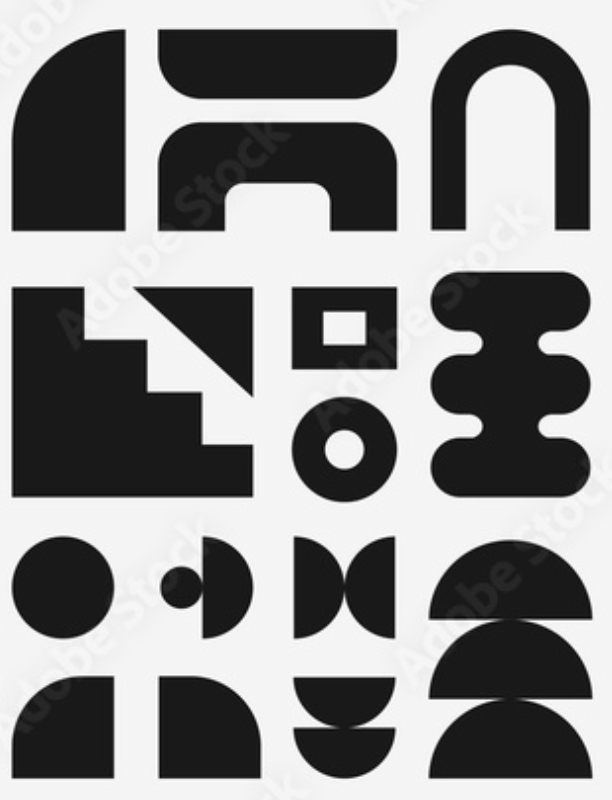
Geometric shapes
Search Adobe Stock for inspo, incorporate in backgrounds or with images

Custom image shapes
Set border radius of 1 corner to 999
Headline here
Simple line elements
Line block placed next to images, buttons or text
Organic + Textured
Warm, earthy, soft, natural, inviting
*Savanna walks through the style rules before showing examples.
Style Rules
Natural textures
Earthy, warm tones
Soft edges
Open, calm layouts
Imperfect, hand-drawn elements
Nothing harsh
Inspo examples
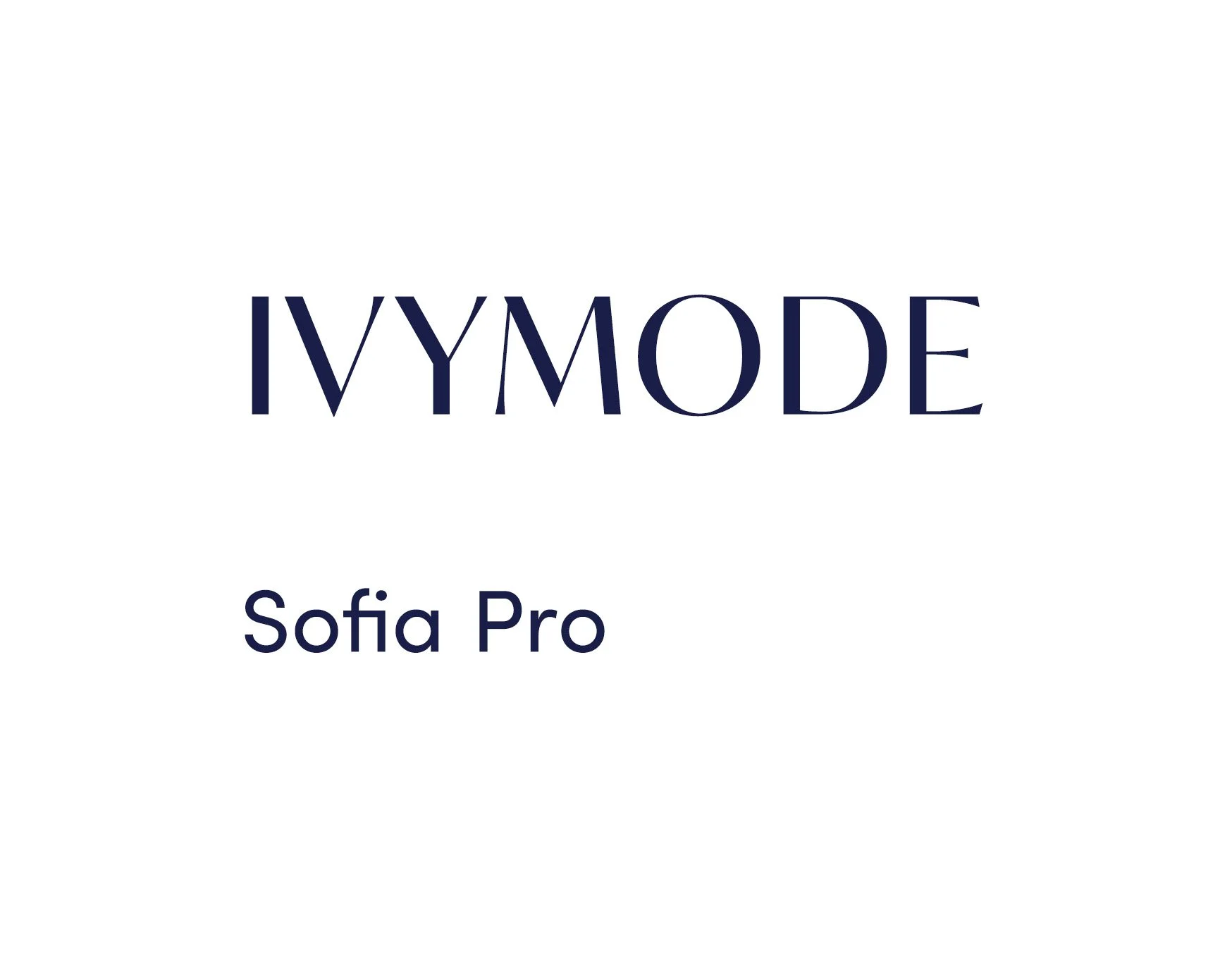
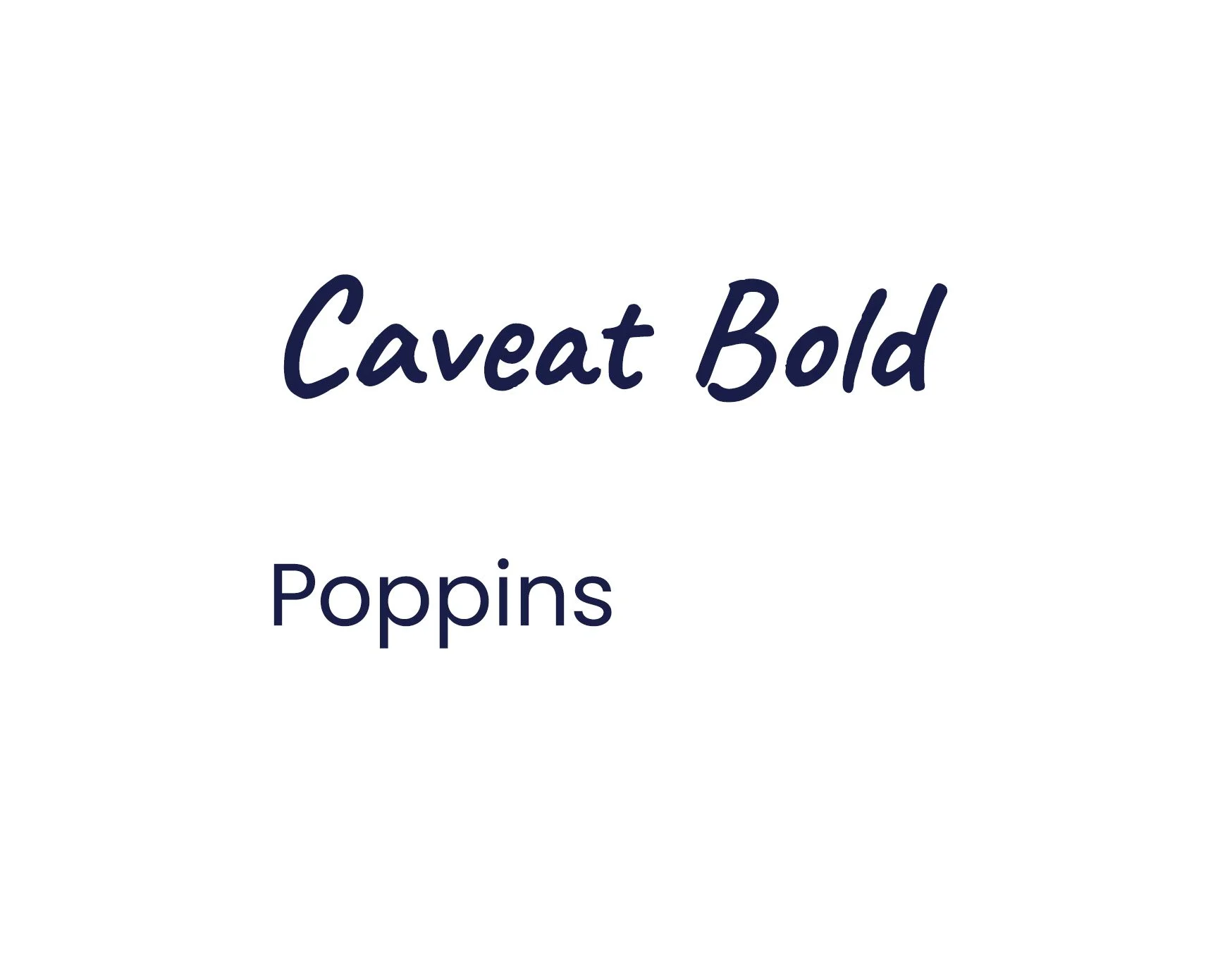
Fonts


Color Palettes
Earthy Greens
#EFEEE7, #CAC6BE, #828881, #475752, #3A3837
Desert
#F0EBE0, #DBCAB8, #AF6C4F, #61604C, #424234
Sunset
#F7F3EF, #A6B5AA, #D2A86B, #BB7254, #5B6C6A
Custom Dividers + Layouts

Curved transitions
Use built-in dividers to add softness and visual interest

Rugged transitions
Create texture with custom divider. Create image in Canva or find asset to download.

Image + element
Pair images with organic elements
Design Elements
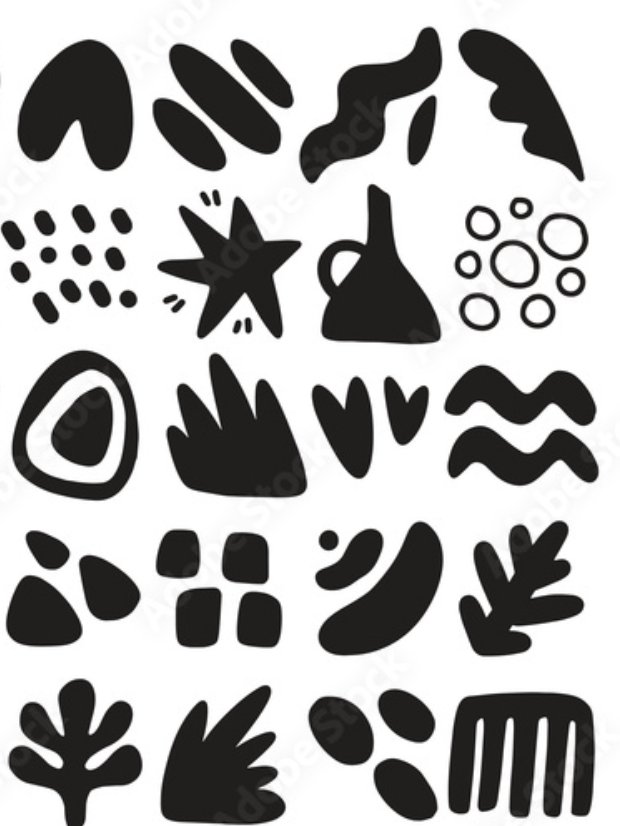
Hand drawn shapes
Search Adobe Stock for inspo, incorporate in backgrounds or with images
Irregular image shapes
Use Squarespace’s built-in shape or bring into Canva or Photoshop. Use blobmaker.app for shape.

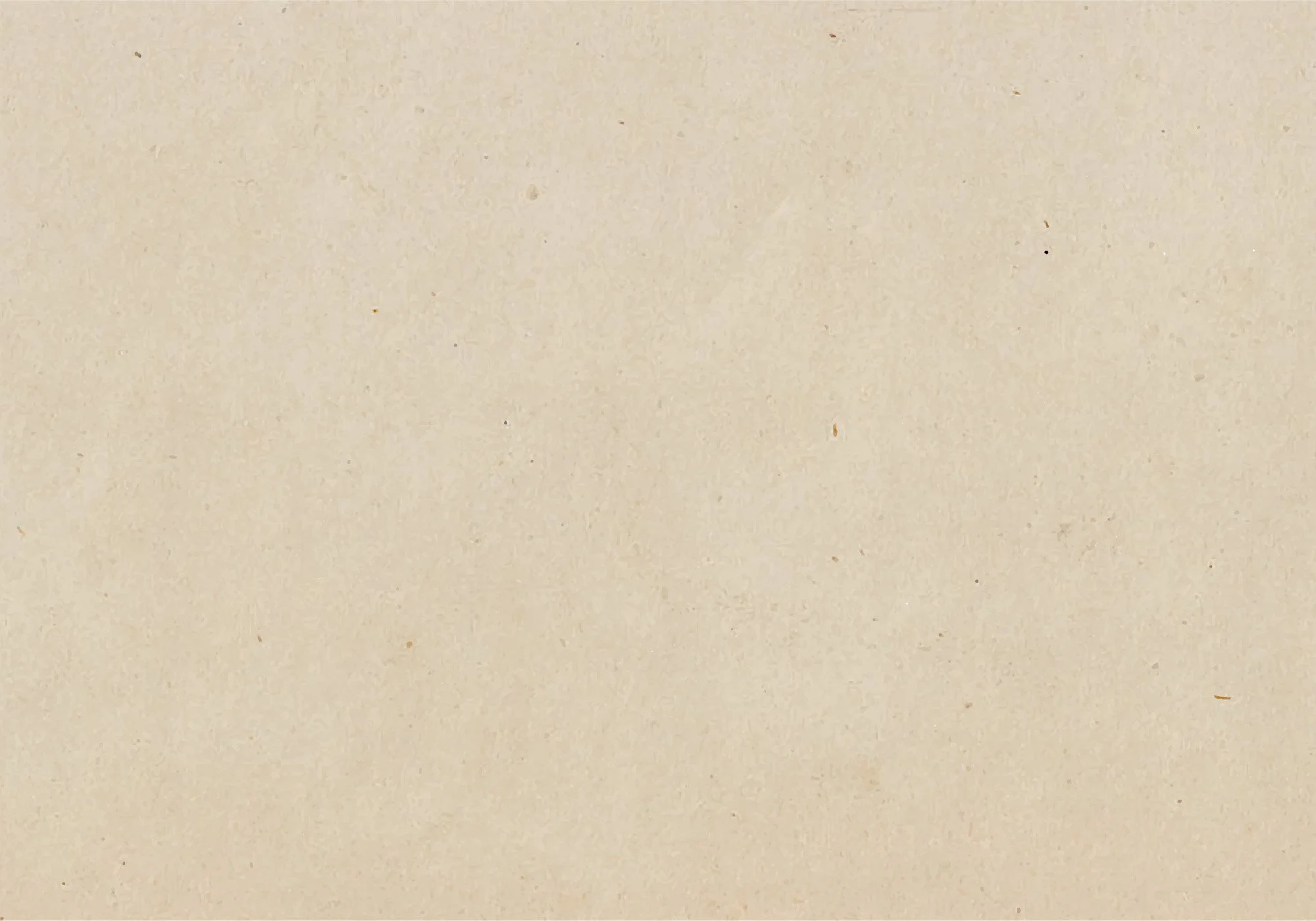
Organic textures
Paper, elements in nature, textiles all work well as backgrounds